Latest feature tour
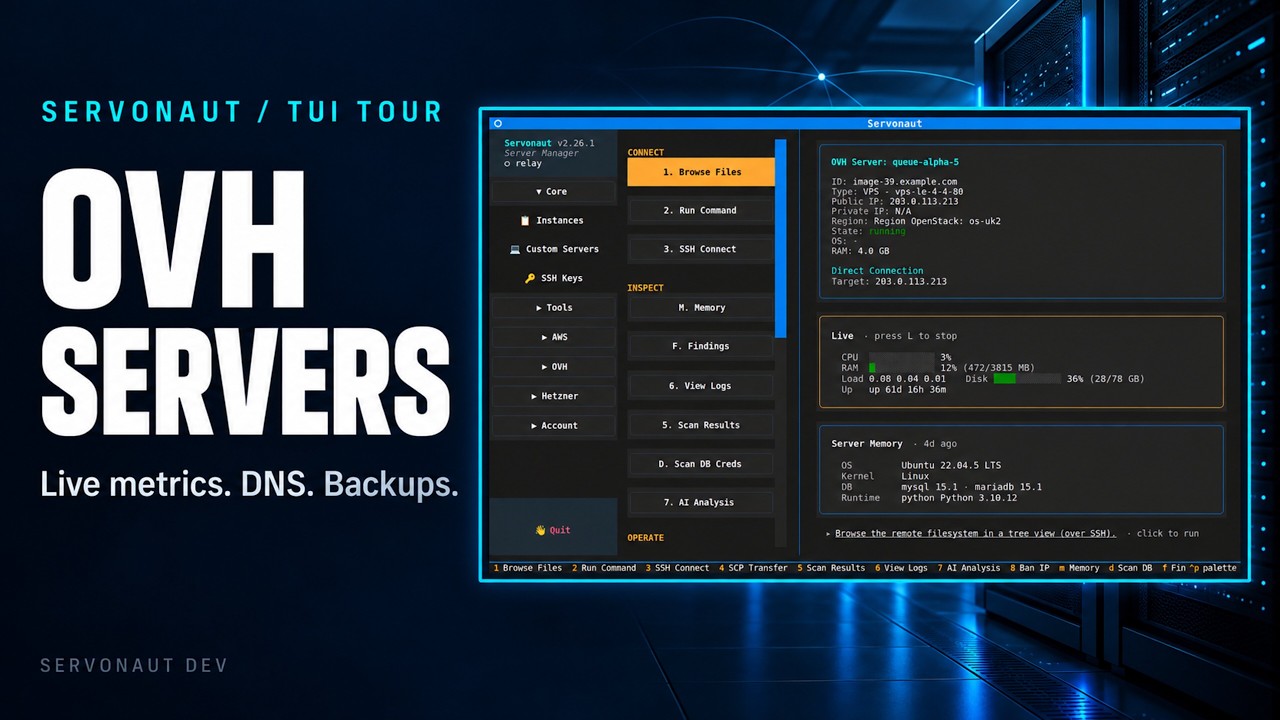
OVH Cloud, DNS, Storage and Backups | Servonaut TUI Tour
Manage OVH cloud servers, DNS records, addresses, volumes, billing, SSH keys and S3 storage from the terminal, with dashboard readings and backup inspection.
Manage AWS, OVH Cloud, and Hetzner Cloud servers from one TUI — SSH, SCP, full server lifecycle, AI log analysis, and an MCP server for agents like Claude Code.
Servonaut AI — hosted chat & server triage included on Solo & Teams plans.
One TUI for AWS, OVH Cloud, Hetzner Cloud, and any custom server — with an AI-callable MCP surface on top.
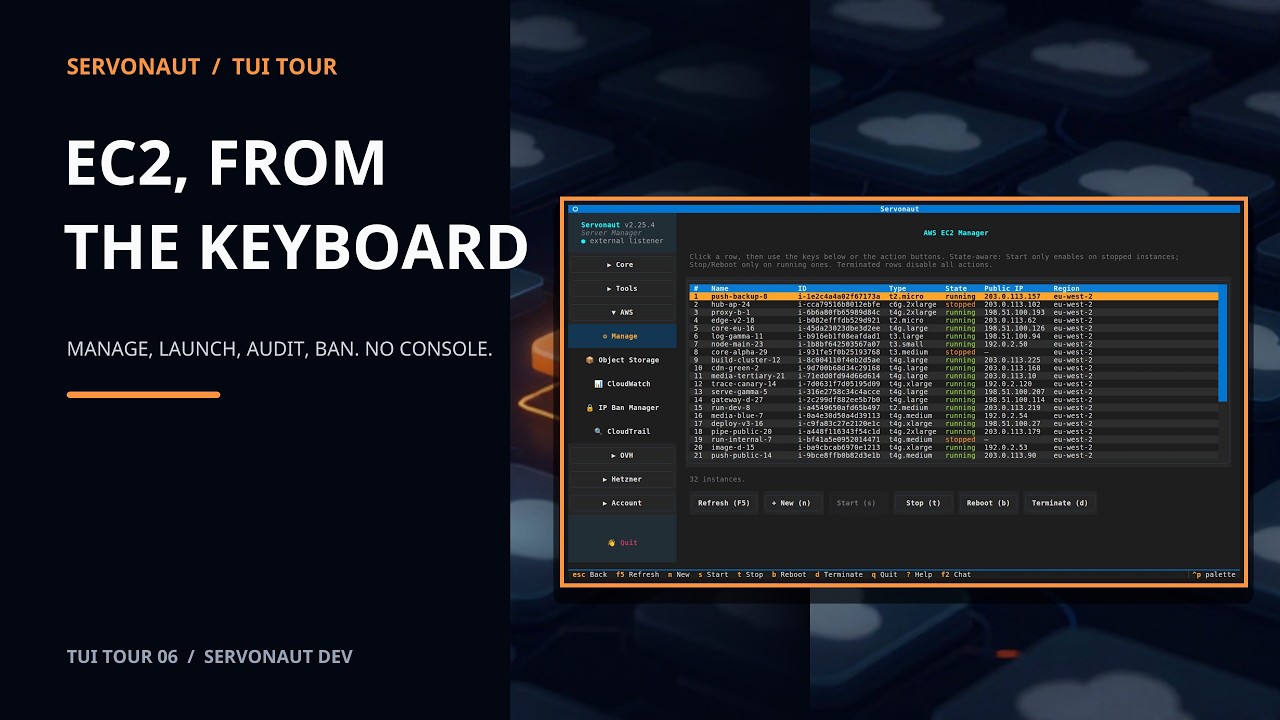
AWS EC2, OVH (Public Cloud / VPS / dedicated), Hetzner Cloud, and any custom SSH host in one searchable list. Create, start, stop, reboot, and delete from the same Manager screen.
88 MCP tools your agent can call — full provider lifecycle, server memory, CloudWatch & CloudTrail analysis, IP-ban controls, run commands, fetch logs. Hosted Servonaut AI on Solo & Teams plans, or bring your own Anthropic / OpenAI / Gemini / Ollama key.
CloudTrail audit, CloudWatch log analysis, IP ban via AWS WAF / Security Groups / NACLs, and AbuseIPDB enrichment — all wired into the same instance row.
Give your AI agents direct access to your infrastructure via the Model Context Protocol.
Servonaut ships with a built-in MCP server. One command installs it into Claude Code, giving AI agents read and write access to your servers through structured, auditable tool calls.
Works with Claude Code, Cursor, Windsurf, and any other MCP-compatible client. Guard levels (readonly, standard, dangerous) let you control exactly what the AI can touch.
No TUI required — install Servonaut purely as an MCP backend for your coding agent with
pipx install 'servonaut[mcp]', even on a headless server or CI box.
See the agent-only install guide.
Surface errors and anomalies across all your servers in seconds.
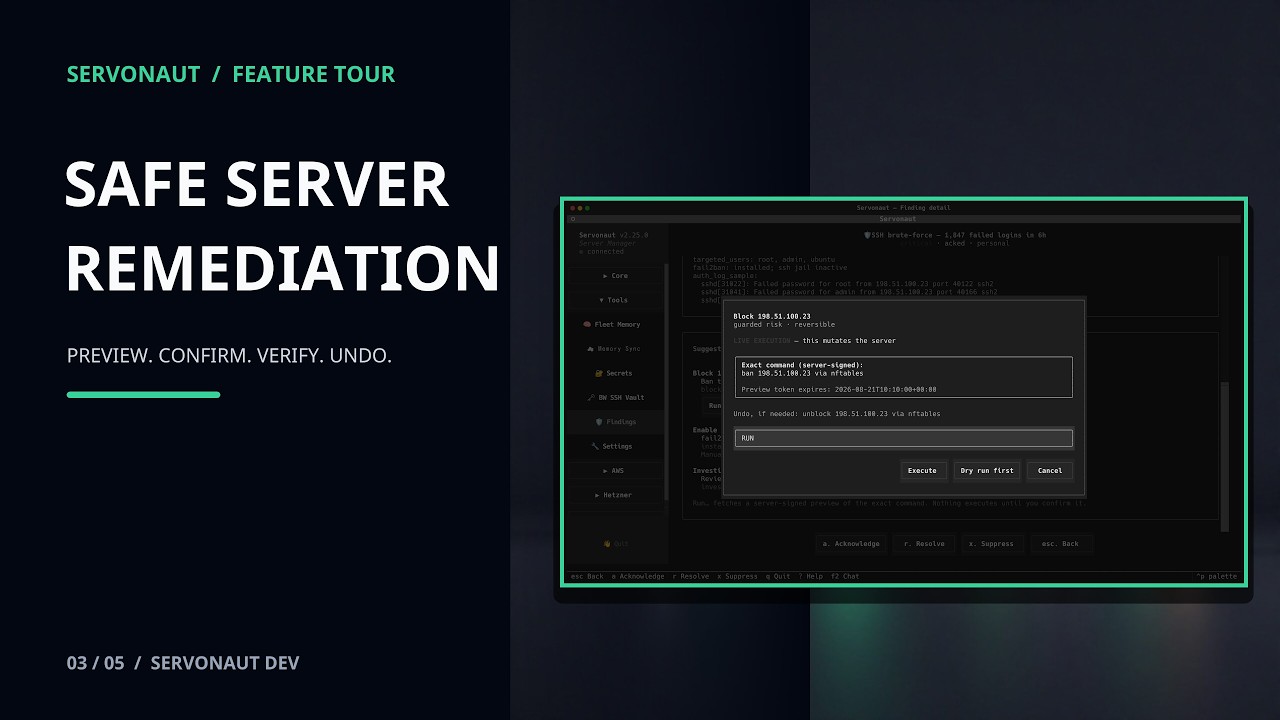
Browse CloudTrail events and manage WAF rules from a guided flow, with every change audited.
Describe what you want. The AI figures out which tools to call.
See the real workflow
Focused feature tours show the real TUI, each decision point, and the final result.
Latest feature tour
Manage OVH cloud servers, DNS records, addresses, volumes, billing, SSH keys and S3 storage from the terminal, with dashboard readings and backup inspection.
No agents to configure, no infrastructure to provision. Just install and go.
One command. No dependencies to wrangle. Works on Linux, macOS, and Windows.
Point to your accounts. AWS EC2 auto-discovers from the AWS CLI profile. OVH and Hetzner use one-shot setup wizards. Custom SSH hosts slot in via ~/.servonaut/config.json.
SSH, deploy, create & destroy servers, analyze logs, audit CloudTrail, manage WAF rules — all from the Servonaut app. Or let your AI agent handle it via 88 MCP tools.
Built for modern infrastructure teams

The Servonaut app and CLI are free and open source. Upgrade for cloud config sync and a hosted MCP server for your AI agents.
Requires Python 3.10+, an SSH client, and AWS CLI configured.
On Linux, you can also try the desktop app (preview).